Anchored in a passage
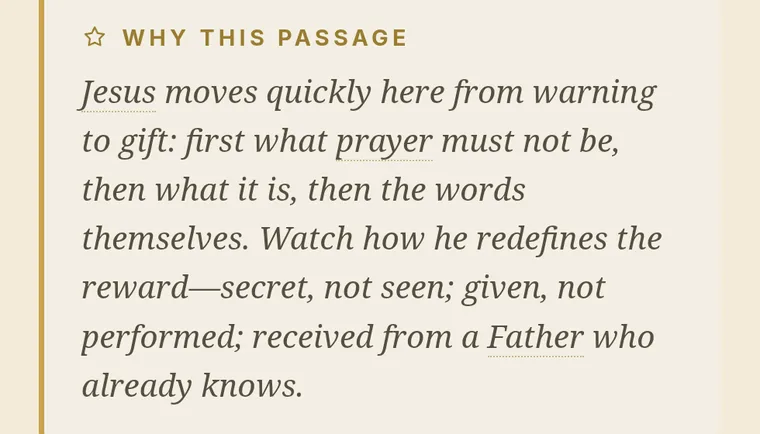
Every part is built around Scripture, shown in full — with a short note on why this passage, and what to watch for as you read it.


Rapt turns your question into a guided study rooted in Scripture and the Christian tradition — giving you a place to begin, not a quick answer.
Up to three free study previews per day. No account needed.
A study on
Drafting the title and outline.
Opening passages and searching the library.
Weighing which readings belong together.
Composing the connective parts of your guide.
Selecting hymns to close each part.
Preparing the first two parts for reading.
Contents
Your study preview
From your question:
Continue the rest of your study in Rapt — with the full Bible reader, classic works in modernized text, and a library that remembers where you left off.
Android is in closed beta.
How it works
Rapt doesn’t hand you an answer. It builds a way in — a study in parts, with the passages, the voices and the questions your question deserves.
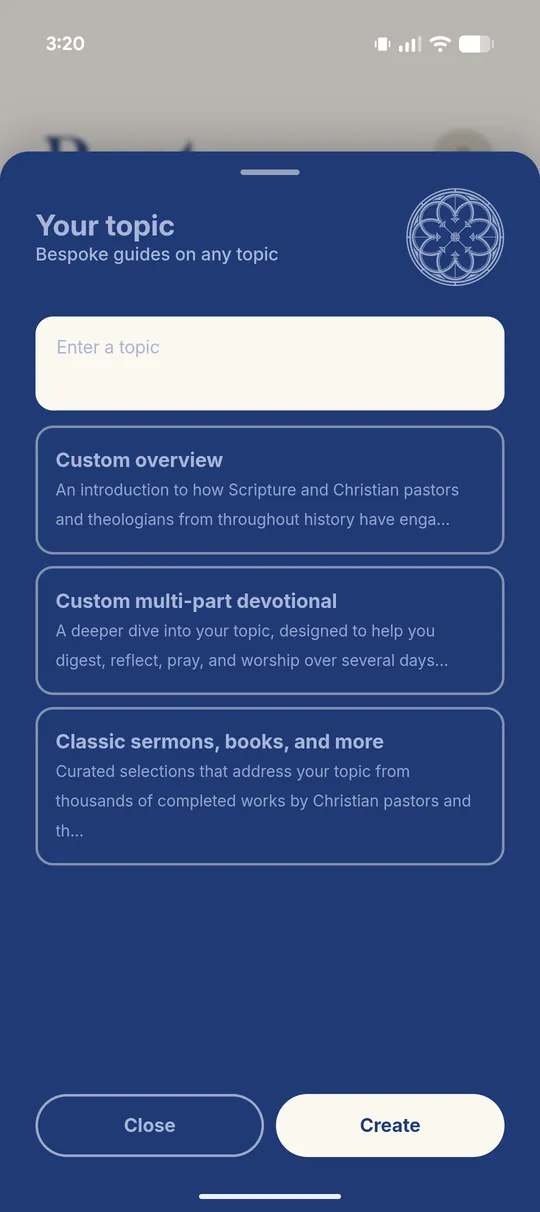
One
A topic — or a question you’re genuinely carrying — typed the way you’d actually say it. You choose how deep it goes and how long it runs.
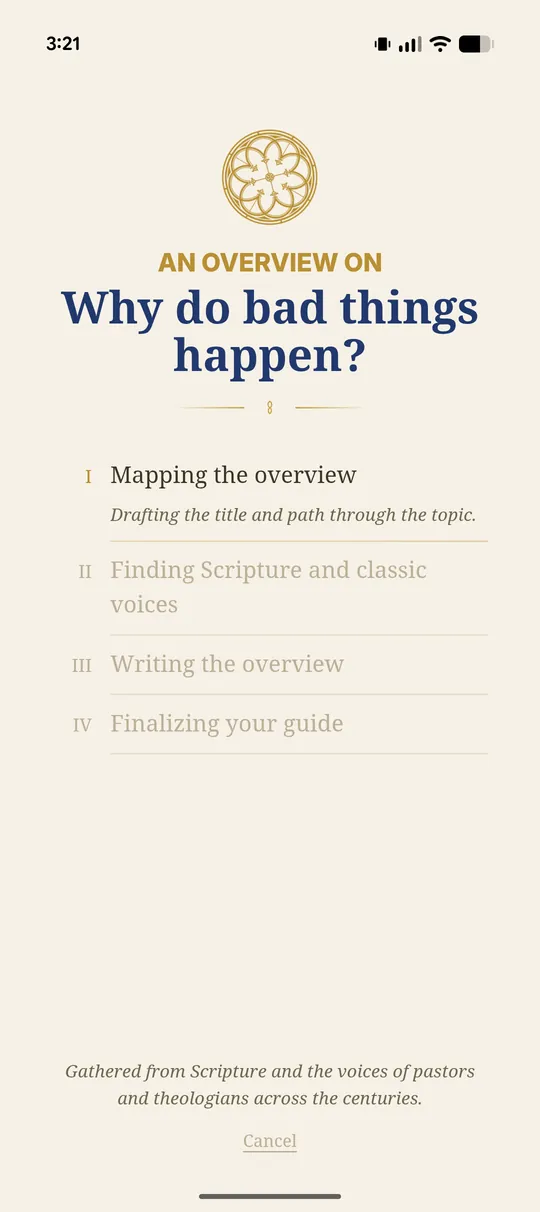
Two
It drafts the shape first — the title and the path through the topic — then goes looking for the Scripture and the classic voices each part needs.
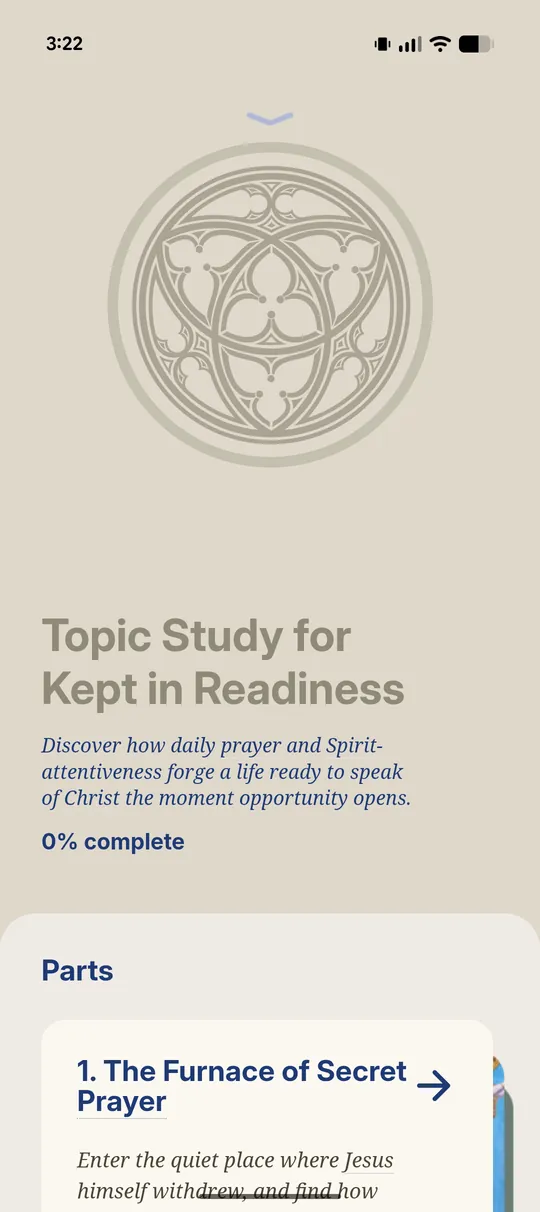
Three
Each part opens as its own sequence. Your progress is kept, so you can put it down mid-thought and pick it back up.
Why Rapt
Rapt doesn’t generate confident prose and hope you trust it. It puts the passage and the source in front of you, names them, and says why they’re there.
Every part is built around Scripture, shown in full — with a short note on why this passage, and what to watch for as you read it.
Excerpts from historical Christian works, with the author, the work and the year attached — and a note on why it belongs.
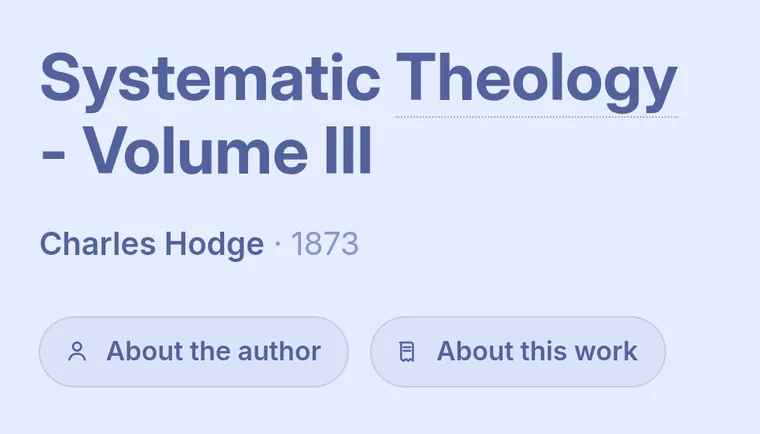
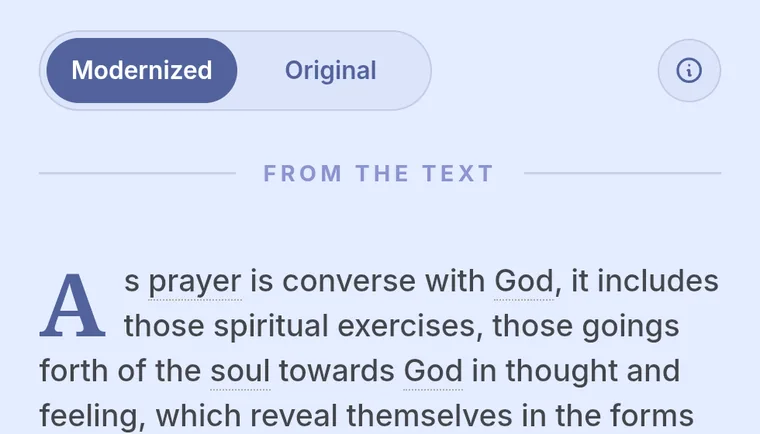
Centuries-old prose is made more readable without replacing the original. The original wording stays one tap away.
Inside a part
Every part of a study unfolds one card at a time — the same shape you just read in the preview above.
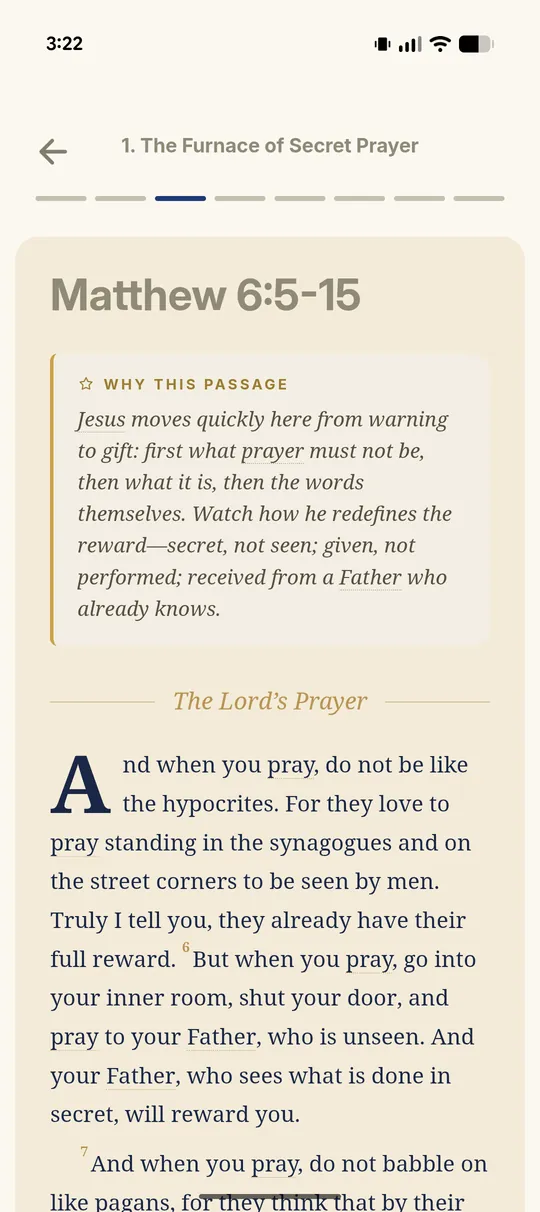
Scripture, in full
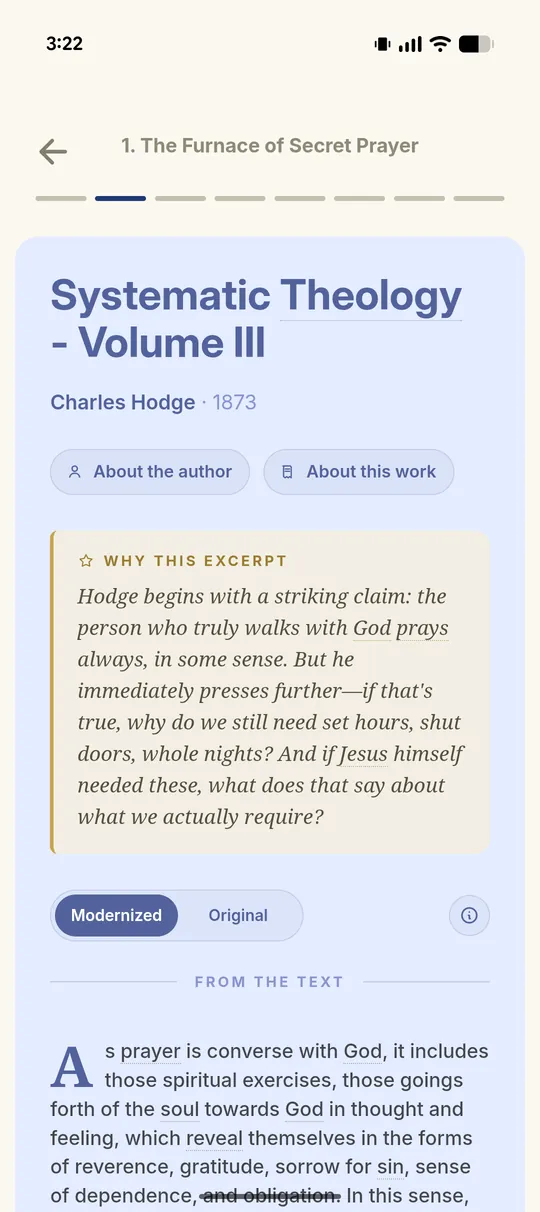
A classic voice
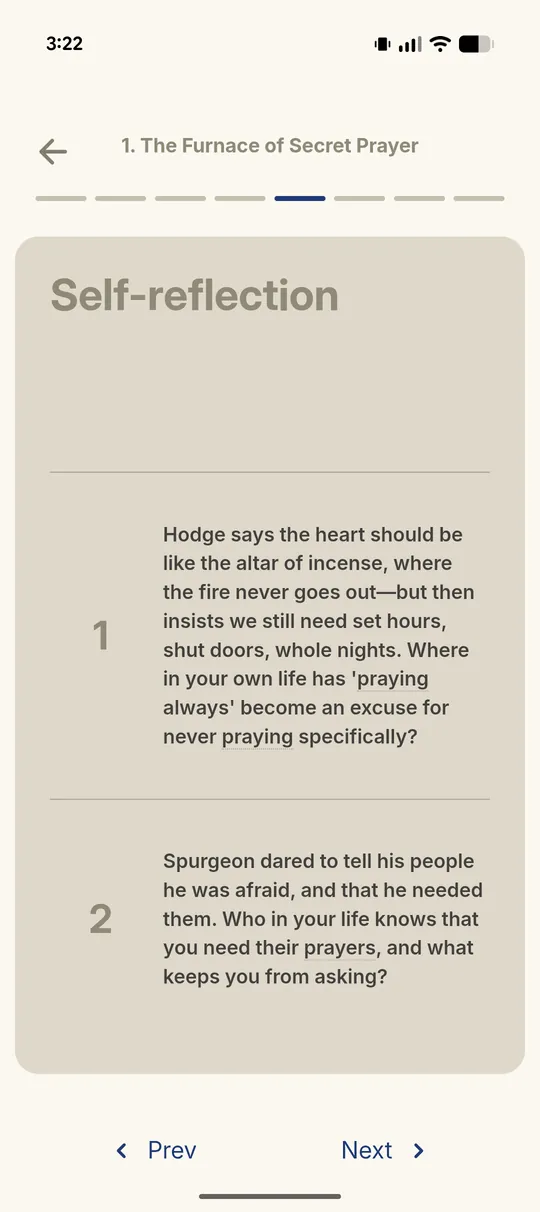
Questions to sit with
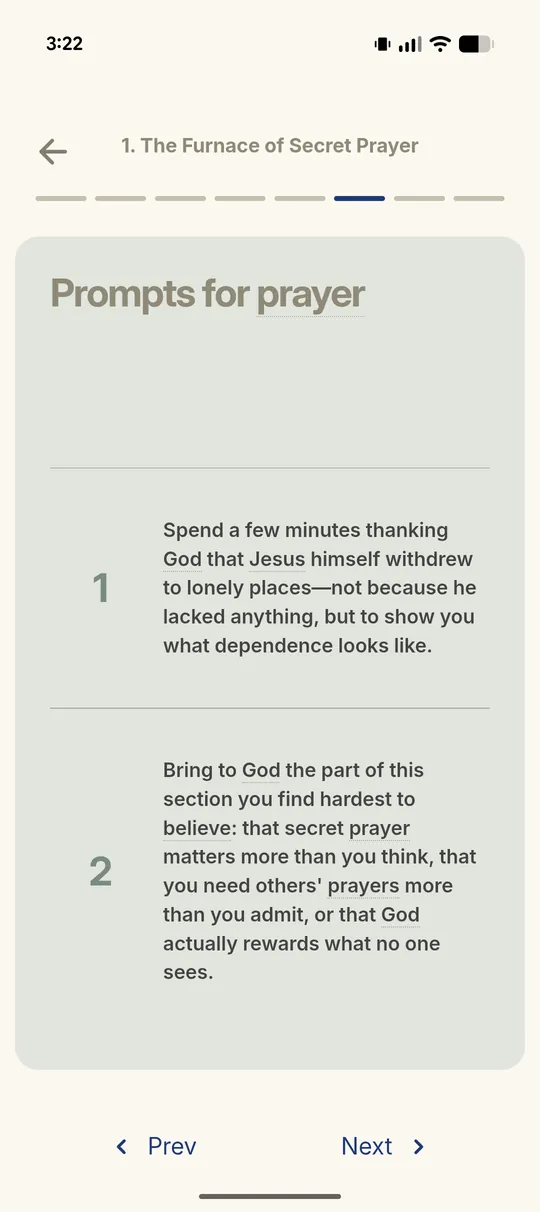
Prayer prompts
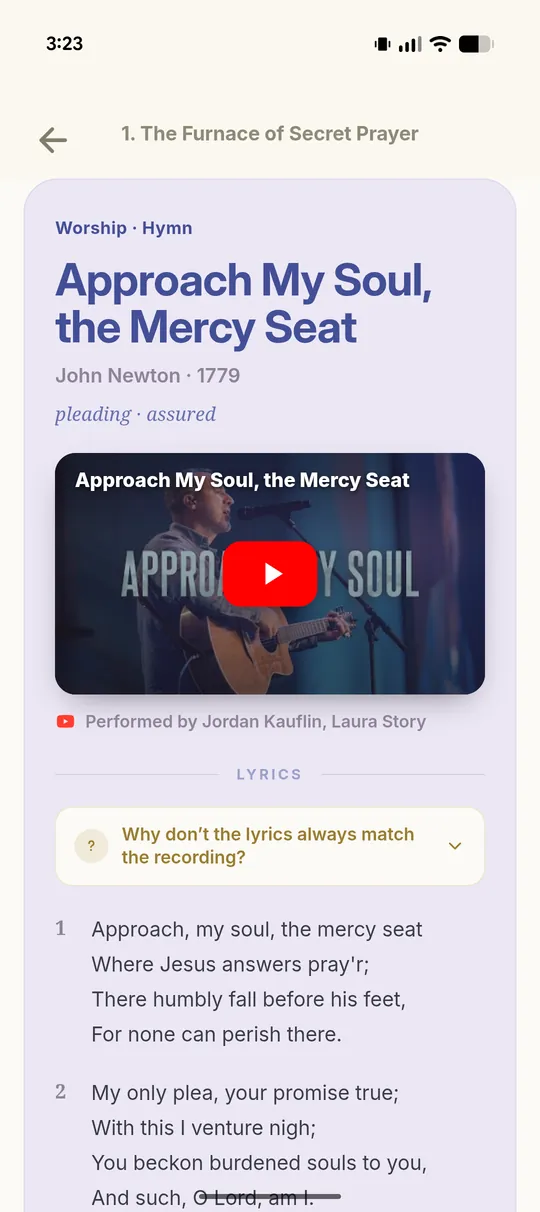
A hymn to close
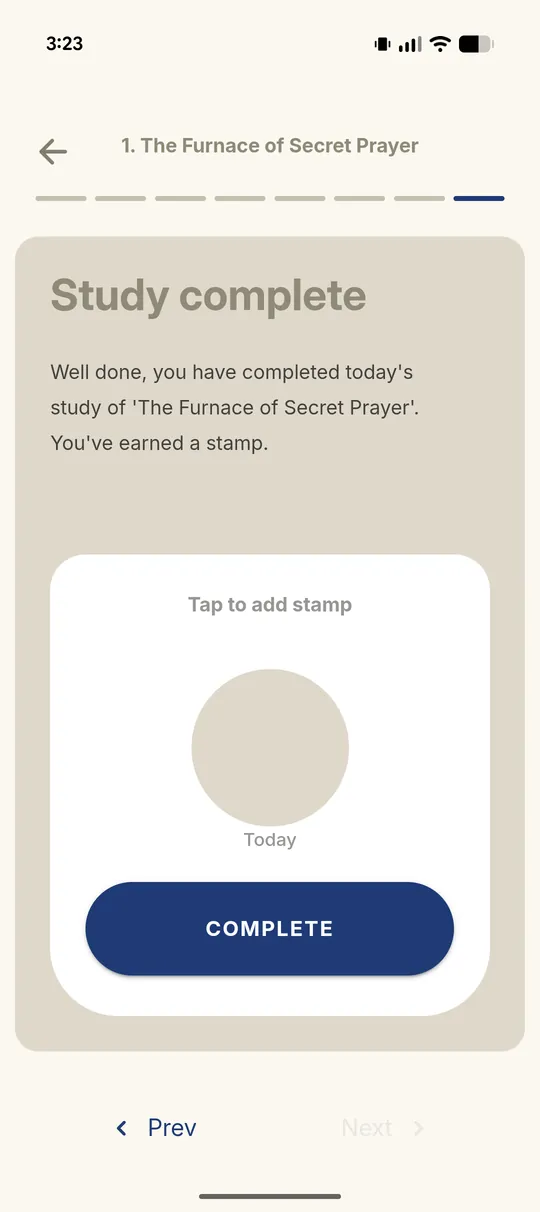
A place to pause
Beyond your studies
Search a reference or a phrase. Browse all sixty-six books. Save a session and come back to it tomorrow.
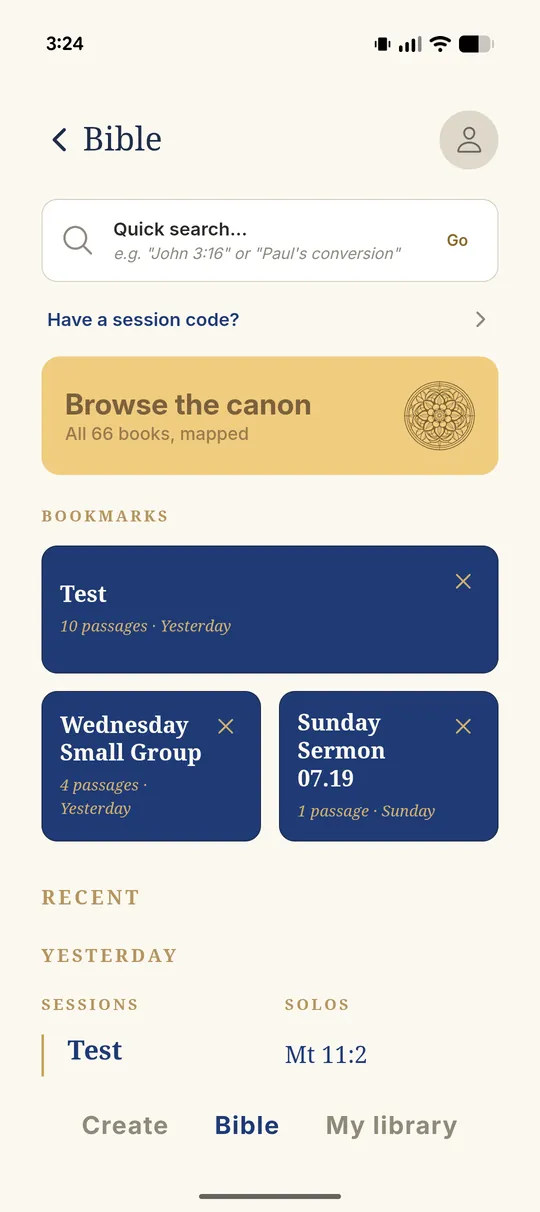
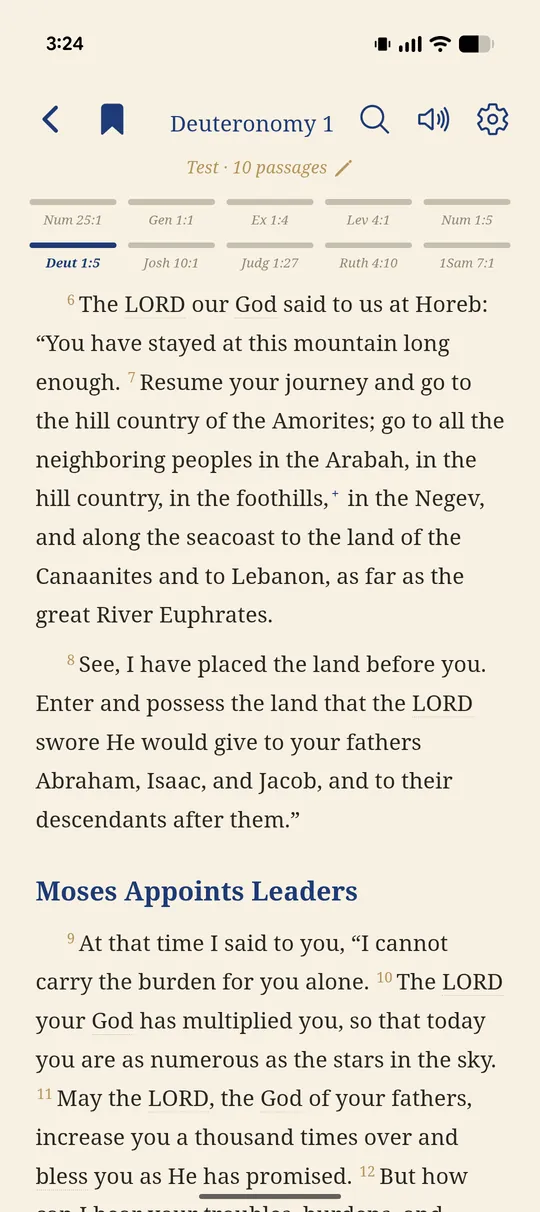
Open passages as tabs and move between them. Read in light or dark mode, with footnotes, verse commentary, and follow-along audio.
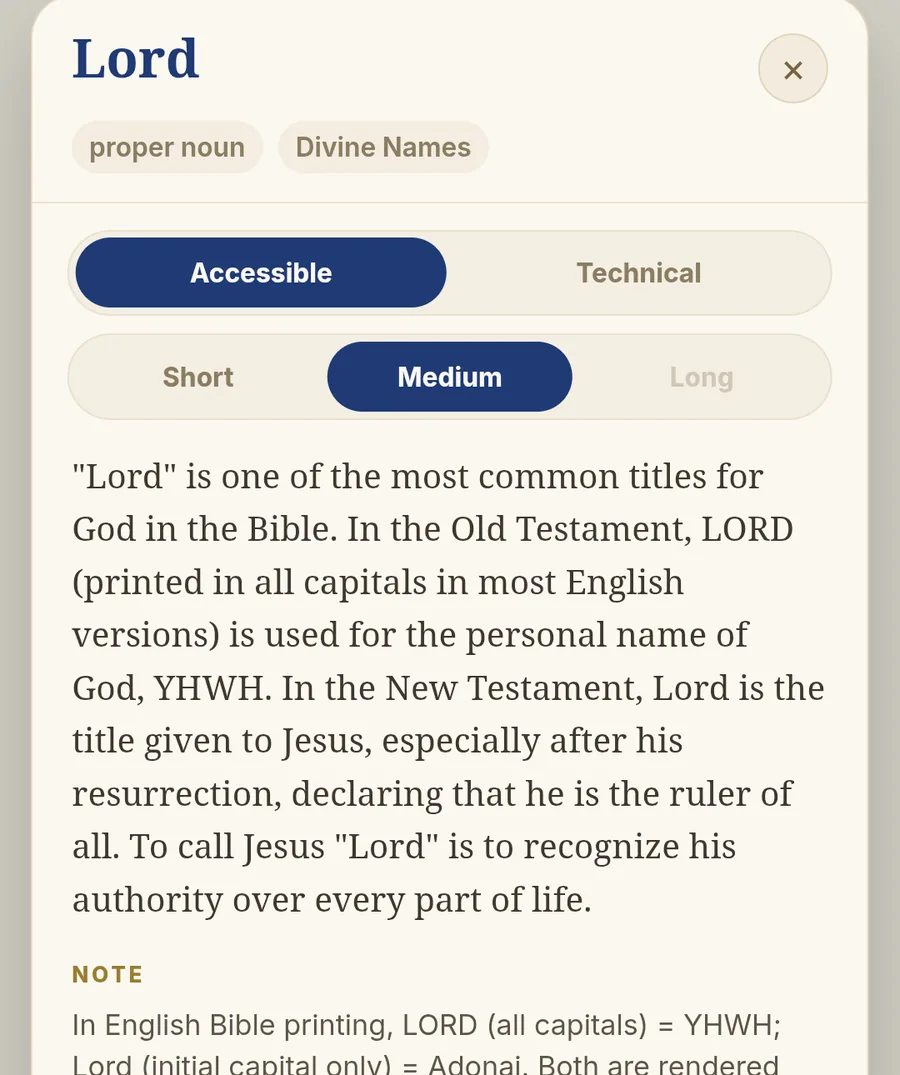
Terms are underlined wherever you’re reading. Tap one for a quick explanation or a deeper theological entry.
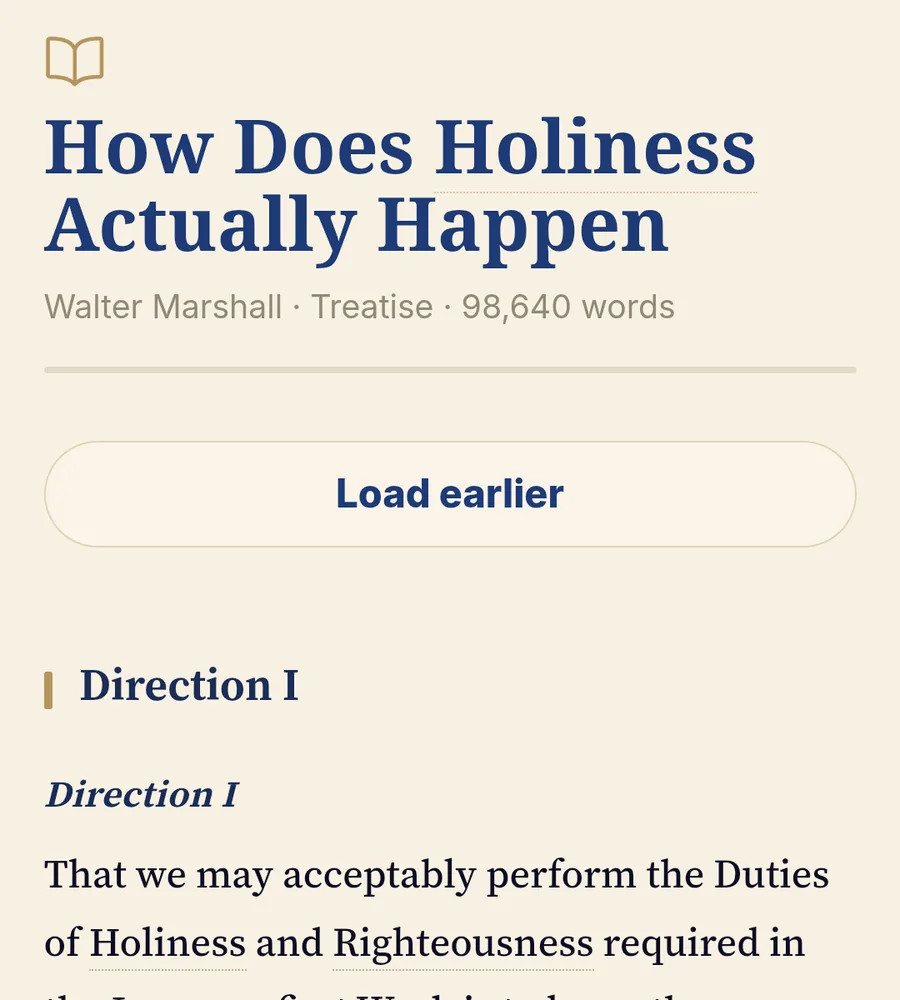
Open the book an excerpt came from and keep reading — modernized text, contents, endnotes, and your place kept.
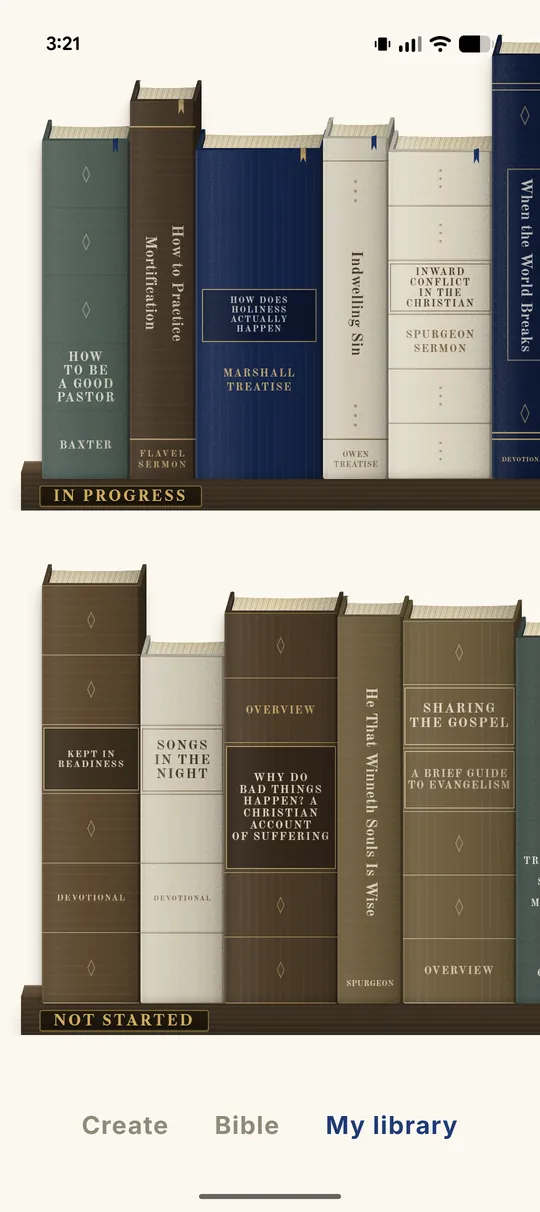
Your studies, overviews, and saved works, gathered in one library. Return where you left off.
Rapt is free to try. Ask something you’ve actually been carrying.
On iPhone and iPad. Android is in closed beta.